 Don't Spill
Talk to us.
Your email app will open. If it does not, copy this address into the email service you use.
Common questions
The Regular's Card and the character creator came with version 1.0; single sets and the tip jar come with version 1.1. Earlier free test builds have no real-money purchases.
How do I play?
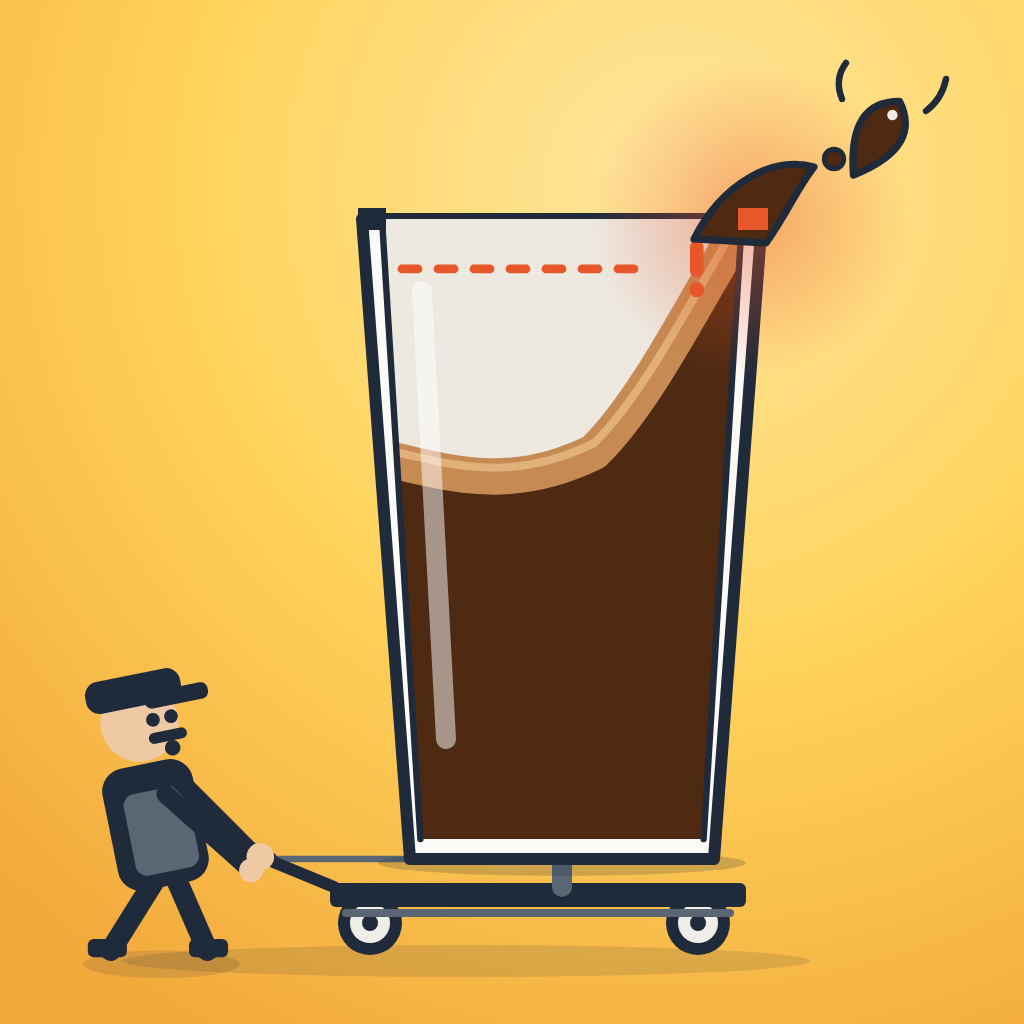
Hold the play area to accelerate. Release to brake. Changes in speed move the coffee, so watch its wave as well as the road. Stop in the customer's delivery area before they leave. QUICK is the bonus cutoff; LEAVES is the final deadline. Tap pause whenever you need a break.
How do I get back to the locker room after a run?
Tap MENU on the receipt. The title screen has the LOCKER ROOM and your PAST BESTS. Tapping the street instead starts the next shift straight away.
Does the game work offline?
The iPhone game is bundled in the app and ordinary gameplay works without an internet connection. Opening these support pages, sending email, posting a result to an online service, and buying or restoring a purchase need a connection.
Where is my progress saved?
Personal bests, earned tips and cosmetics are saved on your device. There is no game account or cloud sync. Deleting the app or its data can remove your progress, and we cannot retrieve it from a server. If something looks wrong after an update, contact us before reinstalling.
How do I save or share my result?
After a run, tap SHARE, then SHARE IMAGE. In the iPhone share sheet, choose Save Image or an app to share with. Allow the Photos add permission if asked. If saving is unavailable, check the game's permissions in iPhone Settings. Cancelling the share sheet returns you to the preview. COPY TEXT is another option.
Are the locker prices real money?
Prices for individual sets and pieces, and dollar amounts on your run receipt, use the game's own cash: the tips customers give you for a delivery, earned by playing. That cash can't be bought. The real-money purchases are separate, and their purchase sheets show Apple's price: the Regular's Card, a single set when your wallet can't pay for it yet (GET IT NOW), and the tip jar. The game has no ads.
Can I buy just one set?
Yes, in the iPhone app from version 1.1. When you try on a set your wallet can't pay for yet, the locker offers GET IT NOW with Apple's price. A set bought this way is yours for good, like one bought with tips. Every set can still be earned by playing, and the Regular's Card includes them all.
What is the tip jar?
Three optional tips for the developer, on the title screen in the iPhone app from version 1.1: a coffee, a coffee and a pastry, and the patron's tip. Tips don't unlock anything, apart from a small pin for your courier (you can take it off). The patron's tip also invites you to send a first name or nickname and your look by email, so you can come by as a customer in a later update. Every name and look is checked first; see the privacy policy.
What is the Regular's Card?
An optional one-time purchase in the iPhone app. It unlocks every set, including sets added later, and the whole character creator: every hat, top, hairstyle and colour, the trolley and cup colourways, and the cat's coats and collars. Everything can be tried on for free first, and every set can still be earned with tips instead.
I bought the Regular's Card or a set. How do I get it back?
On a new iPhone or after reinstalling, sign in with the Apple Account you bought it with, open the LOCKER ROOM, tap THE REGULAR'S CARD, then RESTORE. The card and any sets you bought on their own come back. Tips are one-time thank-yous and are not restored. Purchases are handled by Apple: for a refund or a billing question, use Apple's Report a Problem. If a child's purchase is waiting for Ask to Buy, it unlocks once it is approved.
The game paused or stopped making sound.
Returning from another app or locking your phone can pause the game. Tap RESUME to continue. Check the game's sound button and your phone's volume settings. If the issue continues, close and reopen the app; a run in progress may end, but previously saved progress should remain. Please report repeated problems.
Can I move progress to a different phone?
Don't Spill does not provide its own progress-transfer or cloud-save service. Apple device backups may include app data depending on your settings, but we cannot guarantee a transfer or merge saves. Please keep this in mind before deleting the app or changing devices.
Reporting a problem
A few details help us reproduce it:
- Your iPhone model and iOS version.
- The app version or TestFlight build, if you know it.
- What you were doing just before it happened, and whether it happens again.
- A screenshot or short screen recording, if useful.
Please check attachments for personal information before sending them. We do not need your Apple password, payment details or device serial number.
For questions about your information, see the privacy policy or email the same support address.